


Getting Started with Multi-Color Printing: A Comprehensive Guide
Getting Started with Multi-Color Printing: A Comprehensive Guide Table of Contents 1. Introduction to Multi-Color Printing 2. Understanding Color Theory for Printing 3. Types of Multi-Color Printing Methods 4. Choosing the Right Printing Technology 5. Preparing Your Design for Print 6. The Role of Ink in Multi-Color Printing 7. Quality Control in Multi-Color Printing
Release time:
2026-02-20
Getting Started with Multi-Color Printing: A Comprehensive Guide
Table of Contents
- 1. Introduction to Multi-Color Printing
- 2. Understanding Color Theory for Printing
- 3. Types of Multi-Color Printing Methods
- 4. Choosing the Right Printing Technology
- 5. Preparing Your Design for Print
- 6. The Role of Ink in Multi-Color Printing
- 7. Quality Control in Multi-Color Printing
- 8. Troubleshooting Common Issues in Multi-Color Printing
- 9. Conclusion
- 10. FAQs About Multi-Color Printing
1. Introduction to Multi-Color Printing
Multi-color printing is at the heart of creating visually compelling materials, whether for marketing, branding, or artistic expression. This technique allows for the integration of various colors in a single print job, enhancing the overall aesthetic and impact of the printed piece. In this guide, we will provide a comprehensive overview of multi-color printing, exploring the fundamental principles and advanced techniques that can help you achieve outstanding results.
2. Understanding Color Theory for Printing
To master multi-color printing, understanding **color theory** is essential. Color theory encompasses the principles that guide the use of color in design and printing. It helps you understand how different colors interact, how to mix them effectively, and how they affect the visual perception of your prints.
The Color Wheel
The **color wheel** is a circular diagram that illustrates the relationships between colors. It is divided into primary, secondary, and tertiary colors. Primary colors (red, blue, yellow) can be mixed to create secondary colors (green, purple, orange), while tertiary colors arise from mixing primary and secondary colors. Familiarizing yourself with the color wheel will also aid in selecting color schemes that are harmonious and appealing.
Color Models in Printing
In printing, two main color models are prevalent: **CMYK** and **RGB**. The CMYK model (Cyan, Magenta, Yellow, Key/Black) is particularly important for multi-color printing, as it represents the inks used in the process. Each color is created by layering these four inks in varying proportions, allowing for a broad spectrum of colors.
Conversely, the RGB model (Red, Green, Blue) is used for digital screens and is not suitable for print. Understanding these models is crucial for ensuring that your printed colors accurately reflect your design intentions.
3. Types of Multi-Color Printing Methods
Various printing methods can be employed to achieve multi-color prints, each with its advantages and ideal applications.
Offset Printing
**Offset printing** is a widely used method for high-volume printing. It works by transferring ink from a plate to a rubber blanket and then onto the printing surface. This method produces sharp, vibrant images and is cost-effective for large runs, making it ideal for brochures, magazines, and packaging.
Digital Printing
**Digital printing** has gained popularity due to its ability to produce high-quality prints quickly and without the need for plates. This method is perfect for short runs and personalized printing projects. With advancements in technology, digital printing can now achieve results comparable to offset printing.
Flexographic Printing
**Flexographic printing** utilizes flexible relief plates to print on various substrates, including plastic, paper, and fabric. This method is particularly effective for packaging and labels, allowing for high-speed production and vibrant colors.
Sublimation Printing
**Sublimation printing** is a unique process that uses heat to transfer dye onto materials like fabric and plastic. It’s commonly used for custom apparel and promotional items, producing vivid colors and durable prints.
4. Choosing the Right Printing Technology
Selecting the appropriate printing technology is crucial for achieving the desired results. Consider the following factors when making your choice:
Print Quality
Assess the quality of prints produced by different methods. If you require high-quality images with fine details, offset or digital printing may be the best options.
Volume of Production
Evaluate your production needs. For large quantities, offset printing is often more economical, while digital printing shines in short runs.
Material Compatibility
Different printing methods work better with specific materials. Ensure the technology you choose is compatible with the substrates you plan to use.
Budget Considerations
Consider your budget constraints. Some methods may require higher upfront costs but offer savings in the long run, while others may be more cost-effective for smaller projects.
5. Preparing Your Design for Print
Properly preparing your design is essential for a successful multi-color print job. Here are key steps to follow:
File Formats
Use professional file formats such as **PDF, EPS, or TIFF** to ensure high-quality images. Avoid using JPEG for print designs, as it can result in lower resolution and quality loss.
Color Profiles
Utilize the CMYK color profile to ensure color accuracy in print. Adjust your designs accordingly to avoid discrepancies between digital and printed colors.
Bleed and Margins
Incorporate bleed (the area that extends beyond the trim edges of your design) to prevent white edges from appearing after cutting. Standard bleed is usually 0.125 inches.
Proofing Your Design
Always request a proof before proceeding with the final print run. This allows you to review color accuracy and overall design before mass production.
6. The Role of Ink in Multi-Color Printing
Ink selection plays a vital role in the quality and vibrancy of your multi-color prints. Here are some considerations:
Types of Ink
Various ink types are used in printing, including **solvent-based, aqueous, and UV-curable inks**. Each has its properties and applications, so choose based on the substrate and end use.
Ink Viscosity and Drying Times
Ink viscosity affects how it behaves during printing. Ensure that the viscosity aligns with your printing method for optimal results. Additionally, consider the drying times to avoid smudging or running during production.
Color Matching
Use color matching systems to ensure consistency across different print jobs. This is particularly important for brands that require precise color representation.
7. Quality Control in Multi-Color Printing
Maintaining quality throughout the printing process is essential. Implement these practices:
Regular Maintenance of Equipment
Schedule regular maintenance for your printing equipment to ensure optimal performance. This includes cleaning and calibrating printers and inspecting plates.
Color Calibration
Regularly calibrate your printers to ensure color accuracy. This involves adjusting color settings and performing test prints to match desired outcomes.
Inspecting Final Products
Conduct thorough inspections of the final products. Look for color consistency, alignment issues, and print quality to ensure all products meet your standards.
8. Troubleshooting Common Issues in Multi-Color Printing
Even with careful planning, issues may arise during the printing process. Here are common problems and their solutions:
Color Misalignment
If colors appear misaligned, check the registration settings on your printing press. Ensure that the plates are correctly aligned and that any offsets are adjusted.
Ink Smudging
Ink smudging can occur, particularly in digital printing. Allow adequate drying time between printing and handling, and consider using quicker-drying inks for faster production.
Inconsistent Print Quality
If you notice inconsistencies in print quality, inspect your equipment for maintenance needs. Additionally, confirm that your files are correctly formatted and that the right settings are applied.
9. Conclusion
Embarking on a journey into multi-color printing opens up a world of creative possibilities. By understanding color theory, exploring various printing methods, and mastering design preparation, you can achieve stunning results that captivate your audience. Maintaining quality control and troubleshooting common issues will ensure that your printing endeavors are successful. With the insights provided in this guide, you are now equipped to take your multi-color printing projects to the next level.
10. FAQs About Multi-Color Printing
What is the difference between CMYK and RGB in printing?
CMYK (Cyan, Magenta, Yellow, Black) is used for color printing, while RGB (Red, Green, Blue) is for digital screens. CMYK is optimized for print, ensuring more accurate color reproduction.
How can I ensure my colors look the same in print as they do on my screen?
To achieve color accuracy, use the CMYK color profile when designing and request a proof before mass printing to verify color matching.
What is bleed, and why is it important in printing?
Bleed is the area beyond the trim edges of your design. It is essential to prevent white edges from appearing after cutting, ensuring a professional finish.
How do I choose the best printing method for my project?
Consider factors such as print quality, production volume, material compatibility, and budget. Each printing method has distinct advantages tailored to different needs.
What common issues should I be aware of in multi-color printing?
Common issues include color misalignment, ink smudging, and inconsistent print quality. Regular maintenance and quality checks can help mitigate these problems.
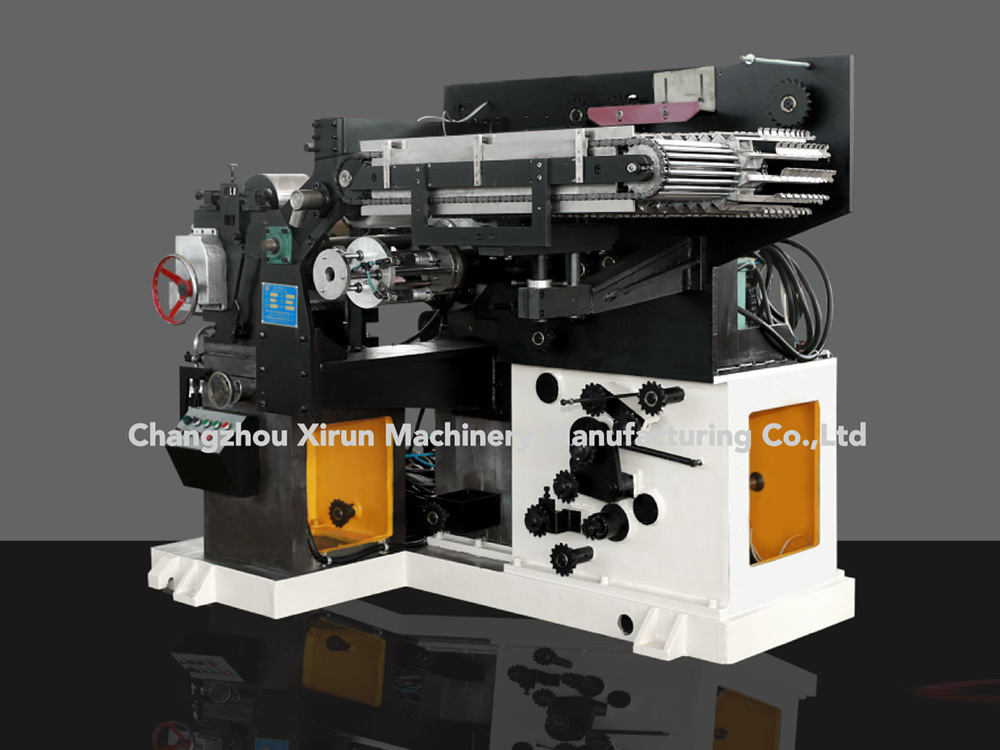
multi-color printing machine
Latest Blog


Leave A Message
You can leave comments and suggestions to us here, and we will reply in time
Phone: +86-13671610042
Add: No. 18, Hengli Road, Xueyan Town, Wujin District, Changzhou City, Jiangsu Province

Whatsapp QR